Want to get some hacks to fix your inbox placement rates?
Let’s cut the clutter and bring in some fresh strategies that can help boost your inbox placement. Ready to explore them?
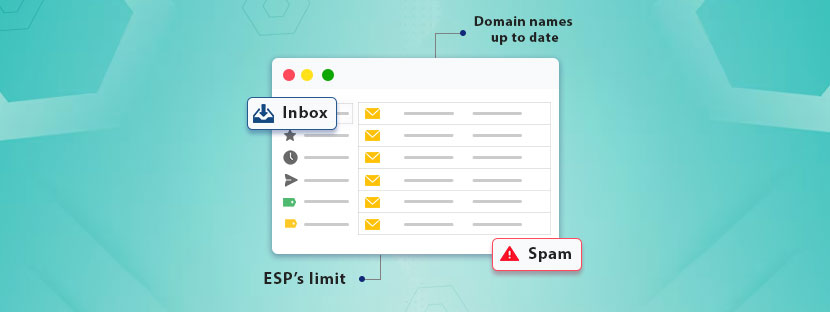
Keep domain names up to date
Domain legitimizes the email senders. It confirms that a message truly comes from the authentic sender. That also means the message the email contains is legitimate.
To perform inbox placement right, you need to up to date your domain names regularly. You can do domain authentication using these three key DNS records ⤵️;

Sender Policy Framework: It allows IP addresses to send emails on behalf of your domain. Nobody can impersonate your domain or steal your data once you have applied this framework. Originally, it used DNS TX records to prevent spoofing.

Domain-Based Message Authentication, Reporting, and Conformance (DMARC): What if email authentication fails, even after multiple attempts? DMARC identifies the reasons for failed emails and provides you with a report.

DomainKeys Identified Mail (DKIM): It verifies email integrity and prevents email spoofing. DKIM uses digital signatures and two DNS records, which are keys and selectors. At times, it can also generate digital signatures.
Select a tool for outreach
Use any email outreach tool externally. Just use a single tool, not more than that.
If we break down the matter, we understand that each email platform has its own sending infrastructure and IP reputation. Therefore, when you try to mix up multiple tools, it can really mess up your sending patterns. Plus, it also triggers the spam filters that cannot let you maintain a healthy sender reputation.
Hence, it’s always best to use a single platform for your mail outreach campaign.
Warm up new accounts
Have a target to gradually increase the volume of your email traffic over time. Do not try to push emails immediately after you get the email contacts. Warming up your IP and domain is crucial at the beginning. For that, you need to send emails regularly and set a sending pattern.
Here are a few tips you can keep in mind while warming up your new account👇.
⇾ At the beginning, you need to limit your emails to 10 to 20 per day. No matter who your email provider is.
⇾ Gradually increase the number of sends to 30 to 40 per day over the weeks. Within the second week, keep sending 60 to 80 emails, and after 14 days, you can reach up to 100 emails per day.
⇾ Do not forget to pause for one day in between.
Add double opt-in
Opt-in simply means email receivers have permitted you to send them emails. Whereas double opt-in means they have put in and confirmed their email addresses.
It’s an extra confirmation. You can expect fewer spam complaints if you add double opt-in. Having a fair policy is mandatory here. So, you need to send follow-up emails and reverify their subscription to your email list.
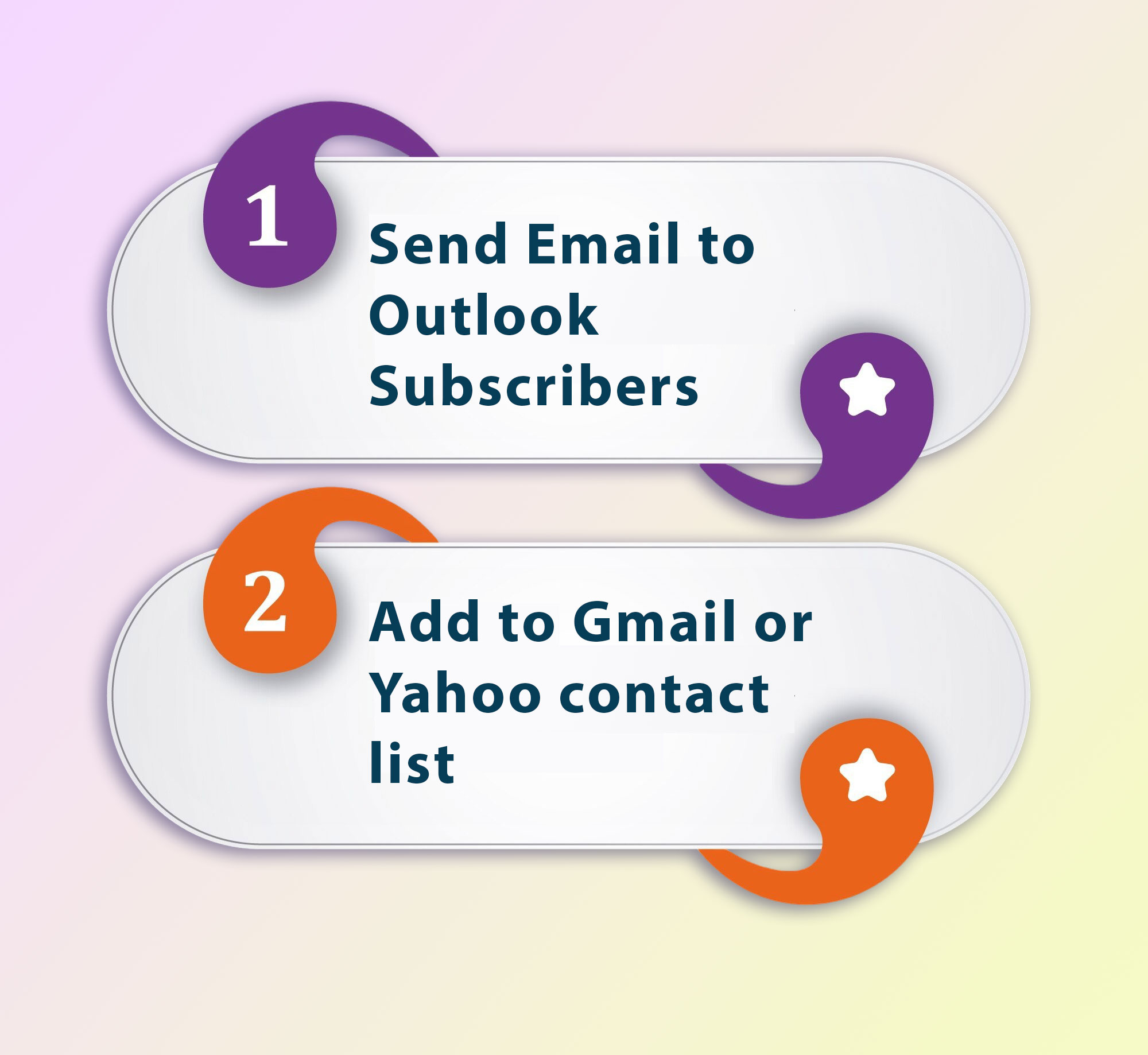
Asking your subscribers directly to follow these steps is a risky decision. But if you did that, the rewards are awesome. You can earn trust from many subscribers, which is the prime need of this hour.
Keep double opt-out visible
Similar to opt-in, your subscribers have the right to opt out of your email list. So, you need to provide visibility to the unsubscribe button within your email. As per the General Data Protection Regulation (GDPR), the opt-out option should be easy to withdraw as to give opt-in.
Unlike the double opt-in, the opt-out process should be a one-click process.
Sometimes, it becomes a problem when people face difficulties finding the opt-out option. When people face difficulties, they tend to mark the email as spam. Thus, a clear display of opt-out is the safest way you prevent spamming.
Audit and append your email list regularly
A perfect email campaign starts with a good email list. Never underestimate the power of having an appended email database. Nurture your email lists and follow these important measures if you’re targeting the B2B industry.
Break email list into segments
Distribute your email lists into multiple categories. Your audience is big, and it’s quite natural that everyone’s preference is different. Therefore, if you categorize your email list into multiple segments, it can empower you to deliver the right message to the right audience.
Craft relevant emails
Ultimately, all you need now is to write valid email content. An ideal email length for better deliverability and achieving better response rates is around 50 to 125 words. Not more than that.
Write your emails around a specific pain point. Do not take multiple topics in one go. Also, avoid talking about personal stuff when you write them. It does not matter to your prospect whether you attended the same school or not.
Avoid making your emails look spammy. Consider regular email clean-up and stay in a continuous improvement loop.